Fix your speaker
in 30 seconds.
SonicEject uses precision sound frequencies to push water, dust, and debris out of your iPhone speaker — no shaking, no rice, no waiting.
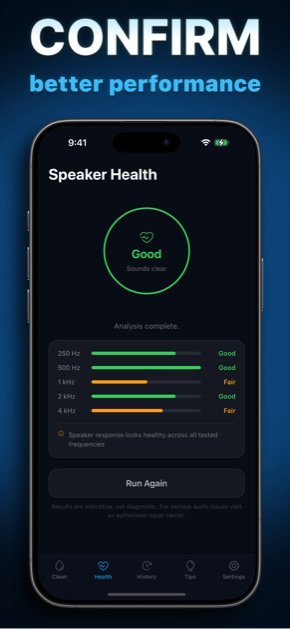
Sound as a cleaning agent.
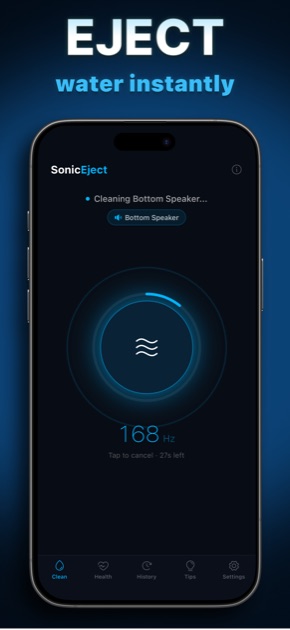
A precisely tuned frequency makes your speaker diaphragm vibrate — physically pushing water and dust out through the grille.
Press & Go
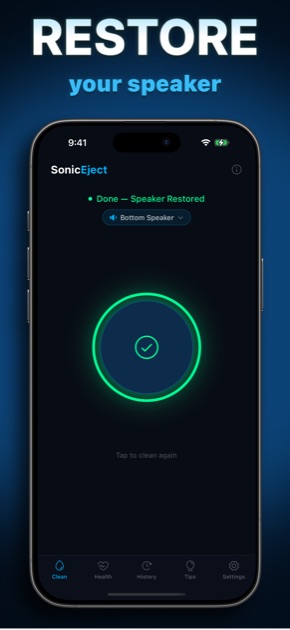
Tap the button. The 30-second cycle starts immediately — no settings to configure, no account to create.
140–180 Hz Sweep
The frequency range used by Apple's own Water Eject feature. Causes water droplets to vibrate outward through the speaker mesh.
Feel the Wave
Haptic feedback pulses in sync with the sound wave — you can feel the cleaning cycle working as it runs.
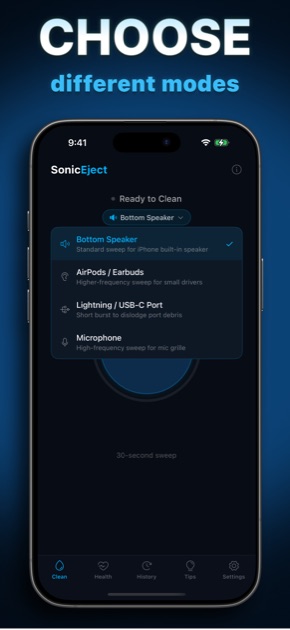
Every Port & Accessory
Speaker, Earbuds, Charging Port, Microphone — each preset tunes the frequency and duration for its target.
Start free.
Upgrade anytime.
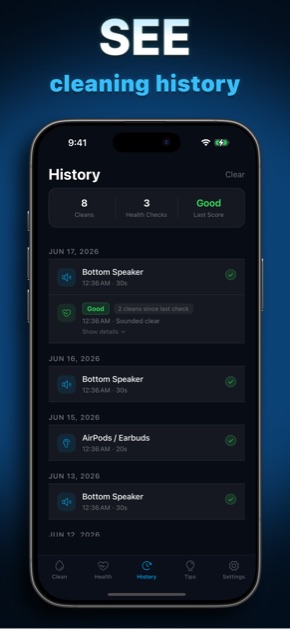
One free clean included — no sign-up needed. Upgrade to Pro for unlimited cycles, all device presets, and full clean history.
- Unlimited cleaning cycles
- Full 140–180 Hz frequency sweep
- Earphone, port & mic presets
- Priority haptic engine sync
Multiple subscription options · Cancel any time
Support
Email SupportEmail support+soniceject@fosterapps.com and include:
- A short description of what you were doing.
- Steps to reproduce the issue, if you know them.
- What you expected to happen vs what actually happened.
- Your device model and iOS version.
- Any screenshots that might help.
Privacy policy
Read the full policy at the SonicEject privacy page.